
AutoSigma: In-browser Design Tool & DAM
PureCars
Autosigma: Digital Marketing for Auto Dealerships
Role
Product Designer
Skills & Tools
Prototyping (Figma, Storybook)
User Interviews
User Screen Capture
Project Background
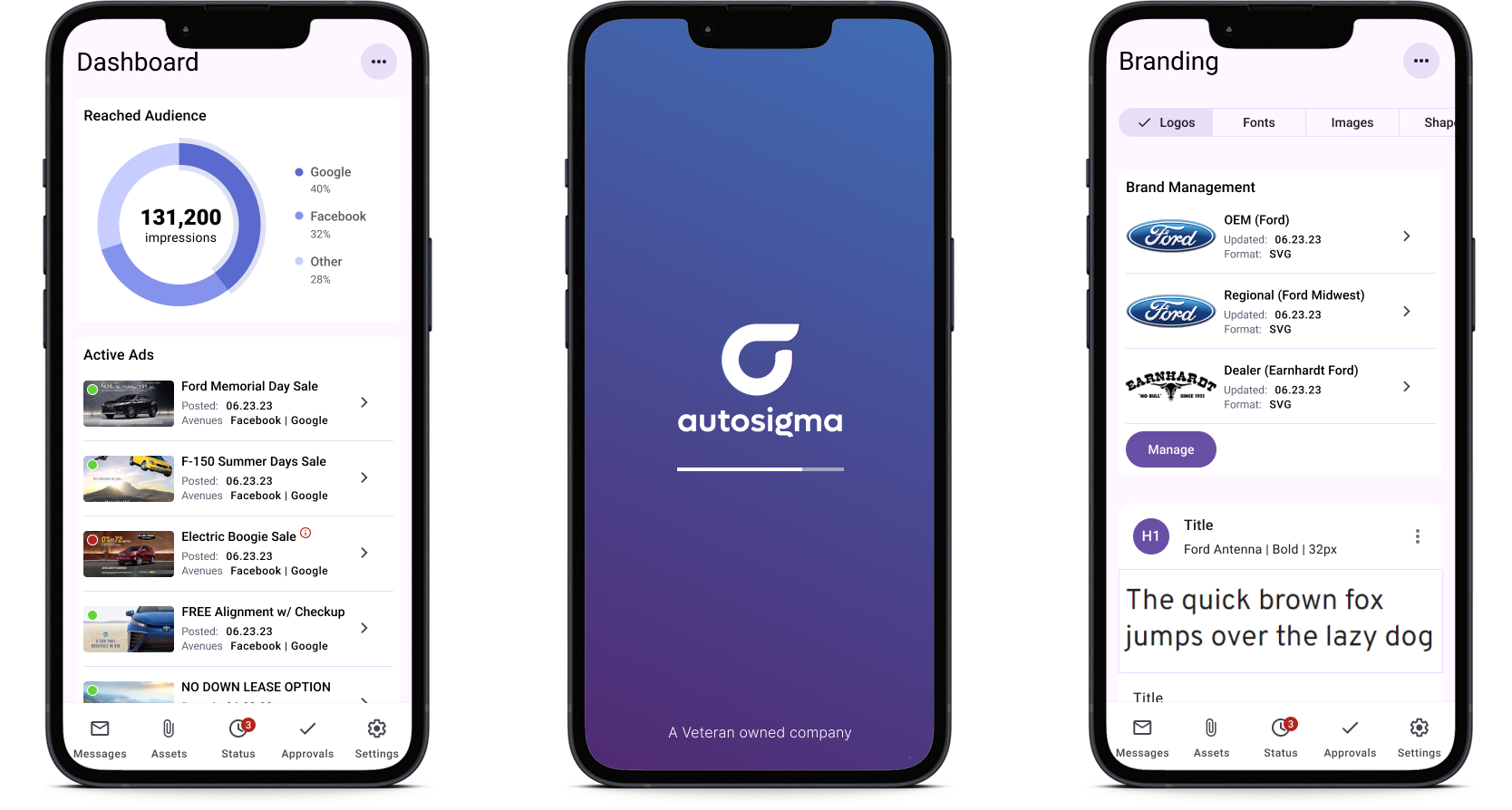
PureCars was the company behind this project, and they acquired AutoSigma to boost their digital marketing services. At its core, AutoSigma is a Digital Asset Management (DAM) platform built for car dealerships. It helps dealers and their agency partners quickly create, update, and deploy marketing materials across different channels, all from a central dashboard for monitoring and approval. Both salespeople and designers were using the platform, so we needed to strike the right balance between making it easy to use and offering enough high-level design options.
Our daily team was made up of the product owner, the lead engineer, and the lead graphic designer (who also doubled as a test user).
Context
Working as the only designer on the team (well, UX designer at least), I put together all of the wireframes and screens for this project. Don't get me wrong - the team was beyond capable, helpful and we put some brilliant things together - but the pixel pushing was on me.
Discover, Define, Design, Deliver
A glorious convenience: users who work at your company!
But there was one resource we hadn’t tapped into yet: the actual users! We had an entire department of designers using the tool to create banners, ads, and other materials for our clients. So, I set up a whiteboard session with the team to get their input. We talked through the current issues with the tool, what they’d like to see, where the bottlenecks were, and so on. Then, to really make sure they didn’t love me too much, I gave them homework: record themselves using the tool to complete a common task the next week.
Manager
General Manager or Sales Manager, possibly Sales Associates
- Manage current ads
- View reports and digital distribution information
- Manage ad status and approvals
Designer
Graphic Designer at marketing company or in-house at larger dealer group
- Use design tool to produce new digital assets
- Monitor and makes edits based on status and approvals
- Manage brand assets
How can we make our coworkers' lives easier?
Brainstorming & Wireframes
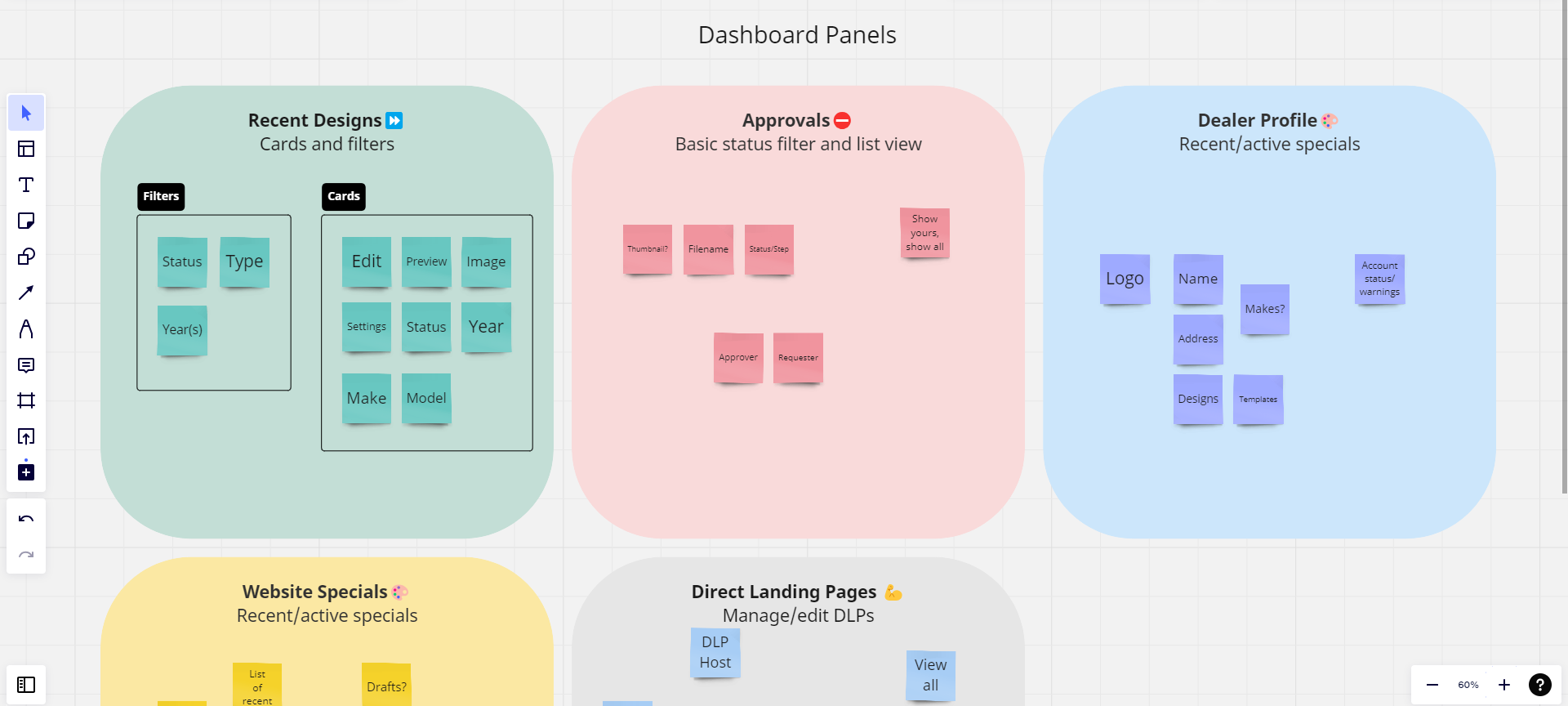
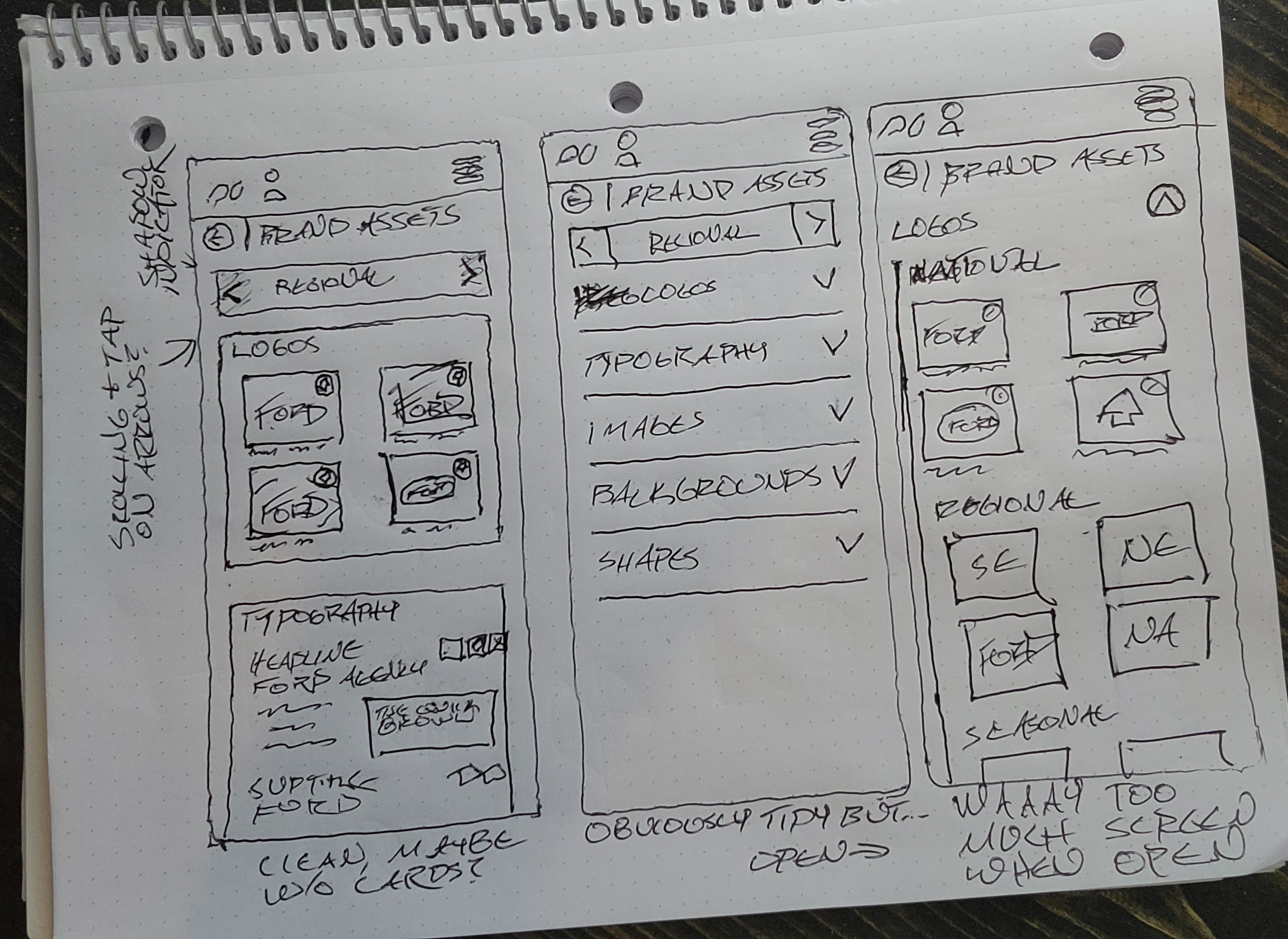
Our design brief gave us clear goals: streamline the process of duplicating designs, improve overall asset handling, and completely overhaul the UI. Since asset management and design duplication were so closely tied, we started with assets. We mapped out the hierarchy of assets, dividing them into Manufacturer, OEM, Regional, Dealer Groups, and individual Dealerships. Each level overrode the one before it, so it made the most sense to go with a tiered approach for both users and assets.
Co-designing during this phase was an absolute game-changer. Having a user in the room—who also happened to be an expert—meant we could test ideas in real-time as we came up with them. It was amazing to watch it all come together!
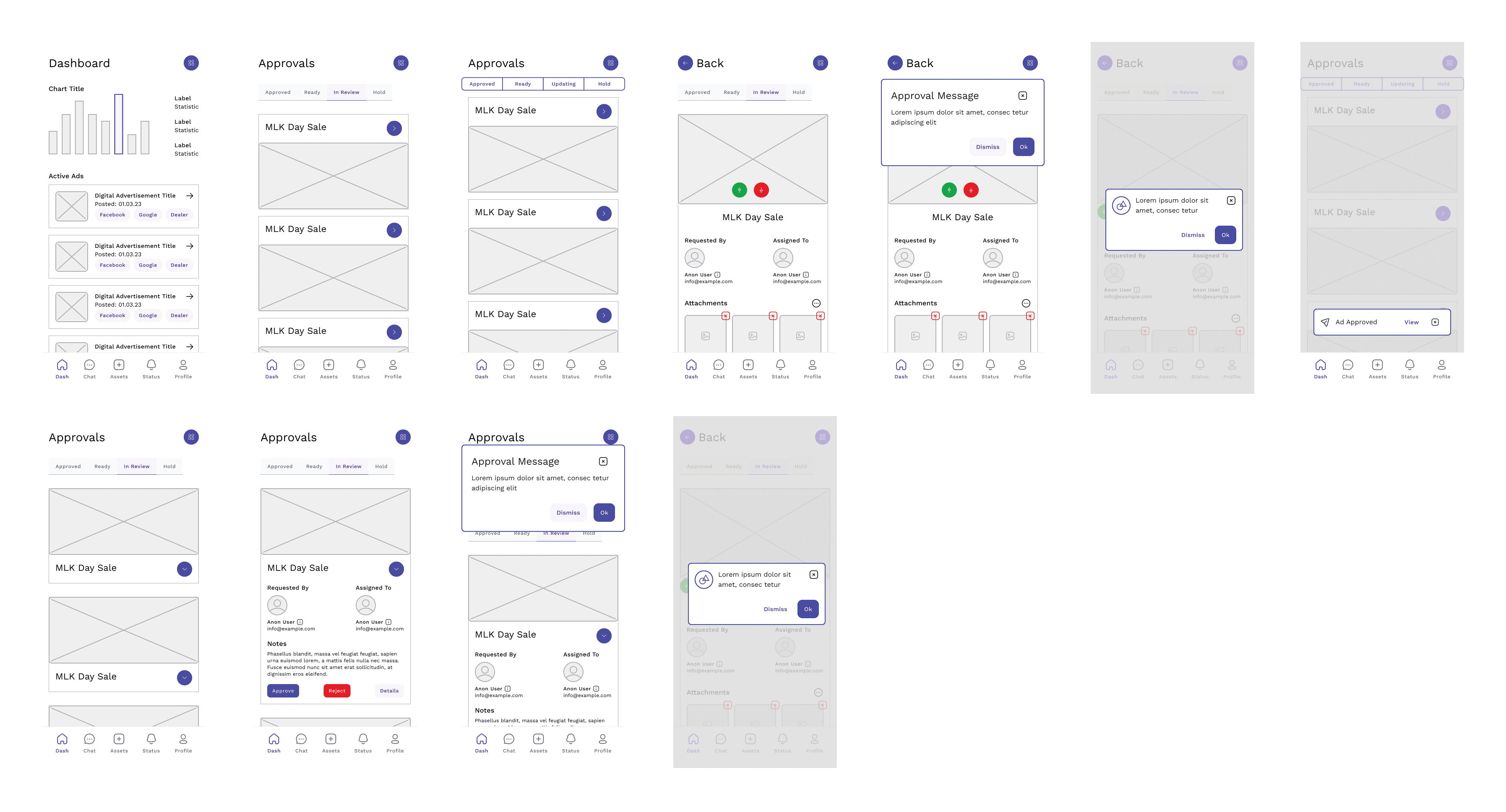
By the last day of the workshop, we had some solid ideas on paper. So, I took a little time to bring some of our sketches into Figma, creating mid-fi wireframes with just a bit of interaction. This gave us a digital asset we could share with other stakeholders and get their feedback.
Screens
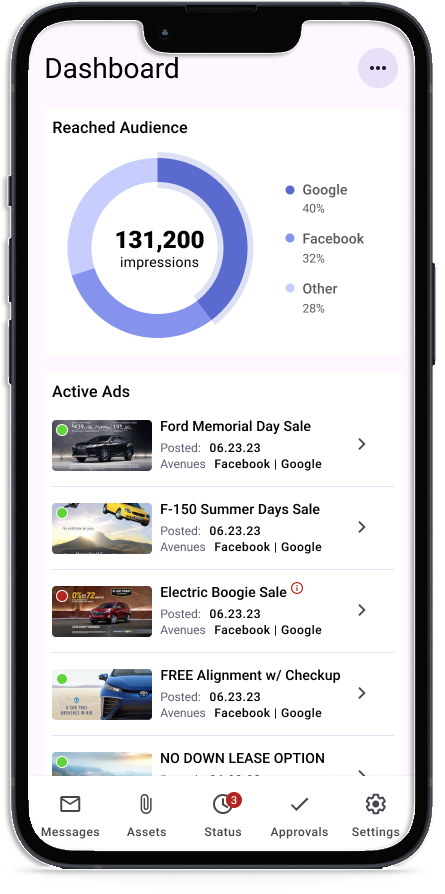
Dashboard
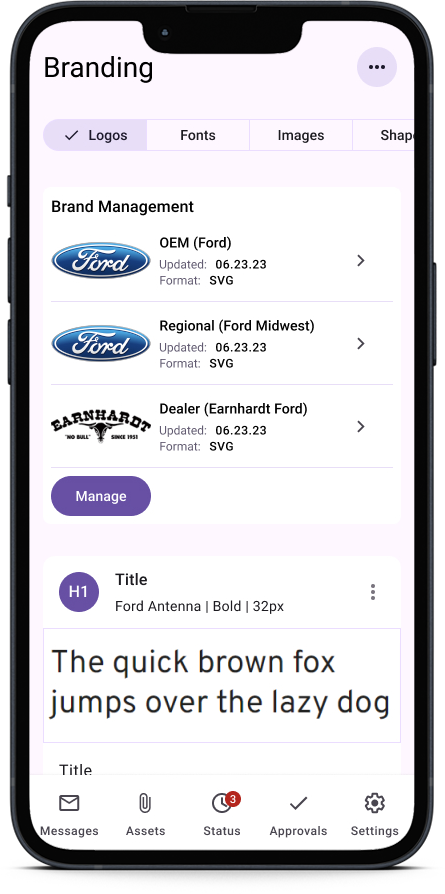
Brand Management
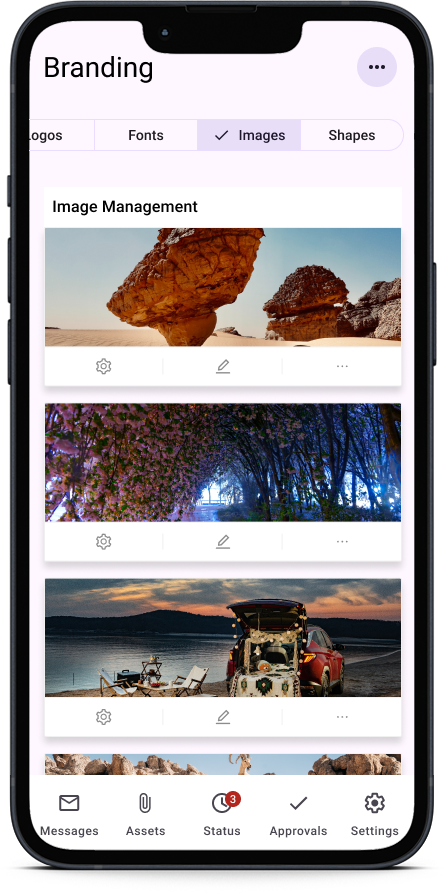
Asset Management
Delivery & Iteration
Reflection
The project is currently in development and I'm excited to see and share the final product!